
Update 2018: How to show Tripadvisor reviews and ranking in the WiFi splash page
Update 2018: How to show Tripadvisor reviews and ranking in the WiFi splash page

Tripadvisor is the American company that allows visitors or guests to rank a restaurant or a hotel. It is the world’s largest travel site with more than 200 million od reviews!
Tanaza allows you to display images and redirection links on your WiFi splash page. In this article, you will find out how to add your Tripadvisor reviews on your splash page. This will encourage your visitors to rank your venue and increase your visibility on internet.
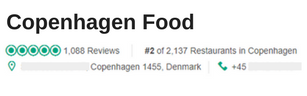
First step: screenshot the element that you want to show to your WiFi users
I took for example a restaurant in Copenhagen, with a very good ranking.
Second step: create your splash page using the Tanaza Splash Page Editor
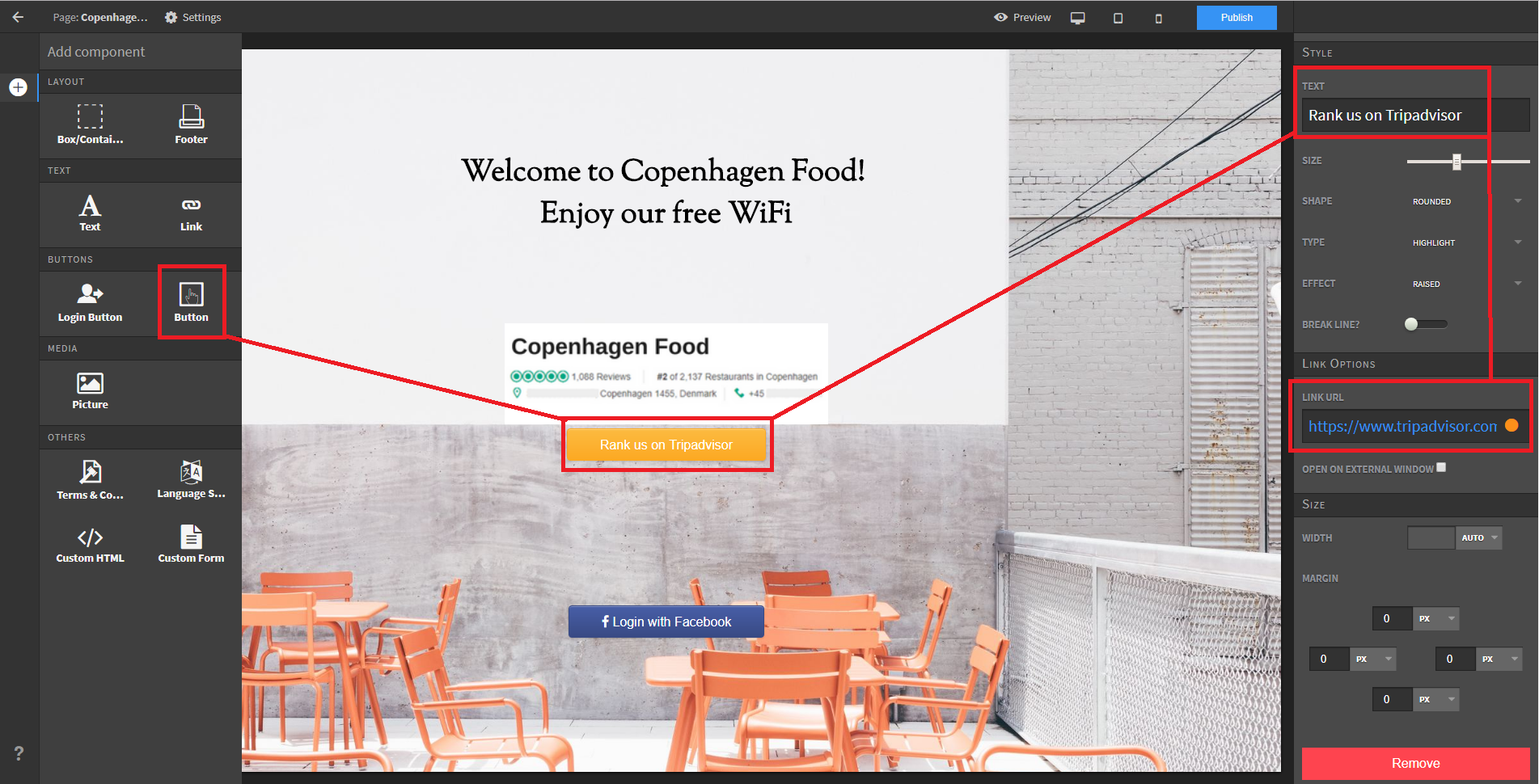
- Choose the background, the text and the login mode. Here, I choose the Facebook login.
- Add your Tripadvisor screenshot as a picture on your splash page
- Create a button and add the link to redirect WiFi users on your Tripadvisor page
Third step: configure your splash page settings
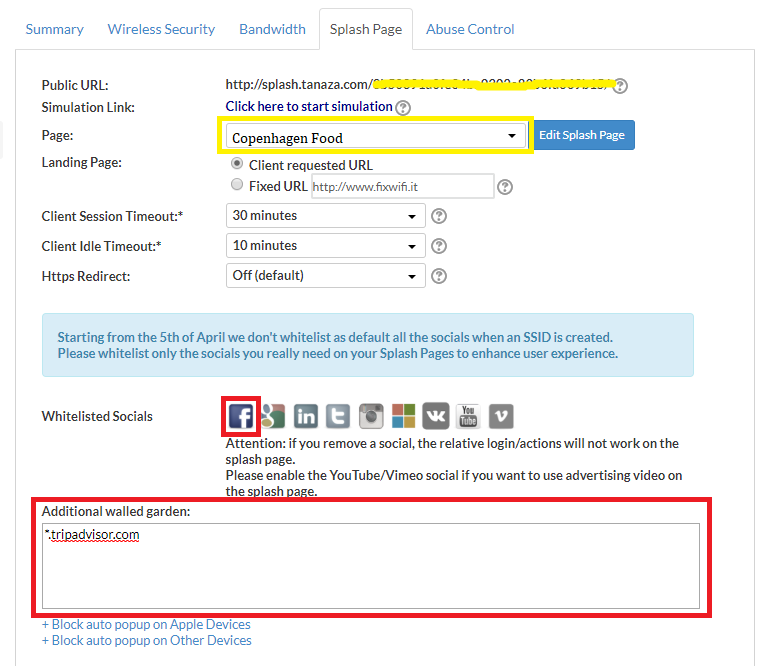
- Select the splash page you’ve just created
- Click on the Facebook icon to allow the Facebook login
- In the walled garden list, add the link of your Tripadvisor page.
Warning! if you don’t copy the link of your Tripadvisor page in the additional walled garden list, your WiFi users won’t be able to access to your page.
Fourth step: publish your splash page and promote your WiFi in your venue
Do not forget to apply the new configuration to your WiFi network and to publish your splash page.
Once it is done, promote your WiFi network within your venue



![A free and easy way to track results of an image advertisement [update 2018]](https://www.classichotspot.com/wp-content/uploads/2018/01/logo-bitly-21.png)
![A free and easy way to track results of an image advertisement [update 2018]](https://www.classichotspot.com/wp-content/uploads/2018/01/Capture2.png)
![A free and easy way to track results of an image advertisement [update 2018]](https://www.classichotspot.com/wp-content/uploads/2018/01/Capture.png)




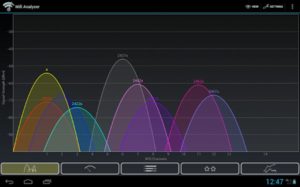 This Wi-Fi scanner app shows the Wi-Fi channels being used around your area and provides a Wi-Fi signal strenght tester that allows you to detect how strong your signal is. In this way, when setting up your WLAN deployment you will know where to better position your Wi-Fi access points for a better signal coverage and faster wireless network connection. WiFi Analyzer provides a very intuitive graphical representation of the channels nearby and helps you choosing the less congested ones.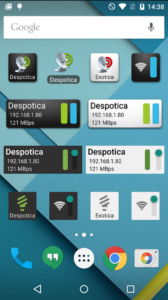
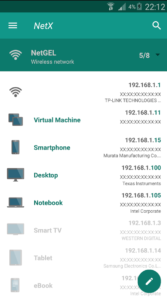 This handy tool for network discovery and scanning comes with a neat and simple user interface, allowing you to view the detected information through both graphs and ratings.
 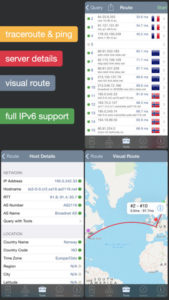 This WiFi analyzer app is available on the App Store for iOS devices only, both iPhone and iPad.